RabbitMQ(DAY2)
RabbitMQ(DAY2)
数据隔离
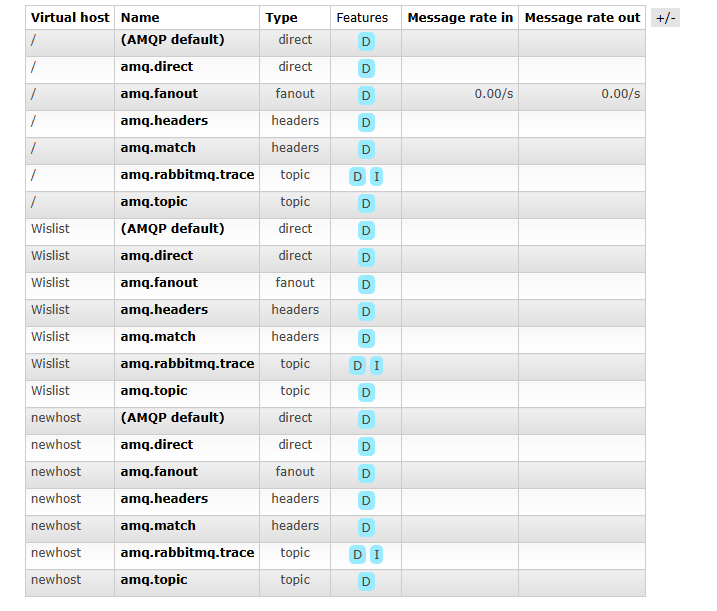
对Virtual Hosts进行添加
使用java进行操作
spring AMQP
导入依赖maven
[code]
[/code]
写publisherTests类
[code]
@Autowired private RabbitTemplate rabbitTemplate; @Test public void testSimpleQueue(){ String queueName = “simple.queue”; String message = “hello , rabbitmq!”; rabbitTemplate.convertAndSend(queueName,message); }
[/code]
写ConsumerMqListener
[code]
@RabbitListener(queues = “simple.queue”) void listenSimpleQueue(String msg){ System.out.println(“收到” + msg ); }
[/code]
使用RabbitListener注解 记得要将该类写入springbean环境进行管理 持久化注入@Component
消费者消息推送限制
默认情况,RabbitMq会将消息依次轮询投递给绑定在队列上的每一个消费者,这并没有考虑消费者是否处理完消息,会造成消息堆积。
修改配置,确保同一时刻只能推送给消费者一个消息:
[code]
spring: rabbitmq: host: 106.53.212.49 port: 5672 virtual-host: /Demo username: guest password: guest listener: simple: prefetch: 1 # 每次只能取一个消息
[/code]
Work模型
- 可以在一个队列上绑定多个消费者
- 同一个消息只会被一个消费者处理
- 通过设置prefetch来控制消费者预取的消息数量,处理完一条再处理下一条,实现能者多劳
Fanout交换机
我们不会直接发到队列中 一般会发到交换机上 交换机有三种类型;
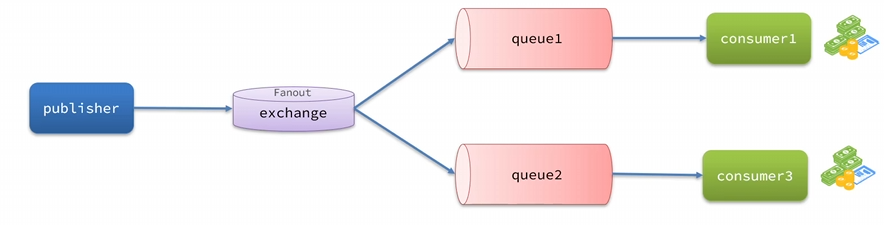
- Fanout:广播
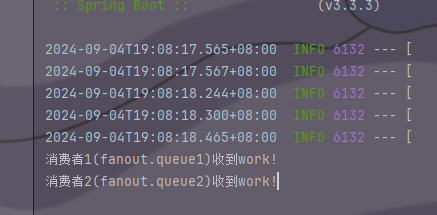
交换机会将收到的消息广播到每一个绑定的queue
- Direct:定向
根据规则路由到指定的Queue
每一个Queue都与Exchange设置一个BlindingKey
发布者要指定消息的RoutingKey
Exchange将消息路由到BindingKey与消息RoutingKey一致的队列
- Topic: 话题
与DirectExchange类似,区别在于routingKey可以是多个单词列表,并且以.分割
Queue与Exchange指定BindingKey可以使用通配符:
- #:代指0个或多个单词
- *: 代指一个单词
声明队列交互机
SpringAMQP提供了解决方法
- Queue: 声明队列 可以用工厂类QueueBuilder
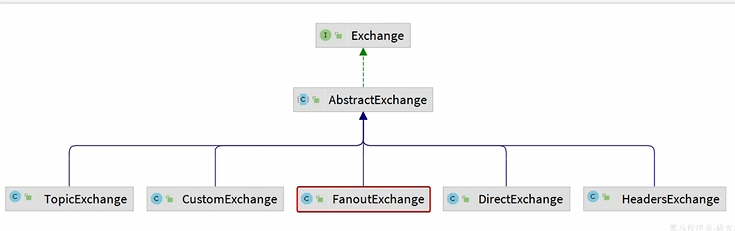
- Exchange: ExchangeBuilder构建
- Binding : 用于声明队列和交互机的绑定关系,用BindingBuilder构建
[code]
@Configurationpublic class FanoutConfiguration { @Bean public FanoutExchange fanoutExchange(){ // ExchangeBuilder.fanoutExchange(“”).build(); return new FanoutExchange(“hmall.fanout2”); } @Bean public Queue fanoutQueue3() { // QueueBuilder.durable(“ff”).build(); return new Queue(“fanout.queue3”); } //将队列3绑定到交换机 @Bean public Binding fanoutBinding3(){ return BindingBuilder.bind(fanoutQueue3()).to(fanoutExchange()); } @Bean public Queue fanoutQueue4() { // QueueBuilder.durable(“ff”).build(); return new Queue(“fanout.queue4”); } //将队列4绑定到交换机 @Bean public Binding fanoutBinding4(){ return BindingBuilder.bind(fanoutQueue4()).to(fanoutExchange()); }
[/code]
基于注解来来声明队列和交换机
[code]
@RabbitListener(bindings = @QueueBinding( value = @Queue(name = “direct.queue1”, durable = “ture”), exchange = @Exchange(name = “hmall.direct”, type = ExchangeTypes.DIRECT), key = {“red”,”blue”} ))
[/code]
消息转换器
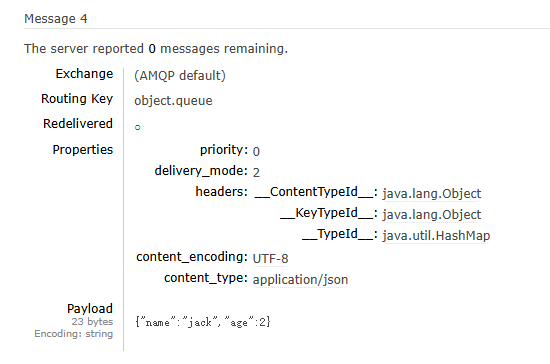
当我们发送object时,会以字节方式发送到mq
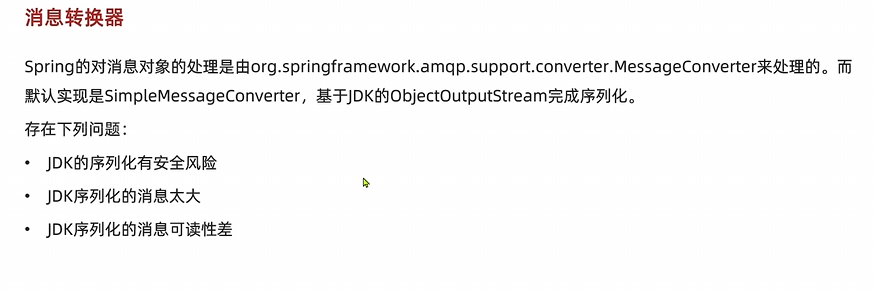
建议采用JSON序列化替代JDK序列化
引入jackson工具
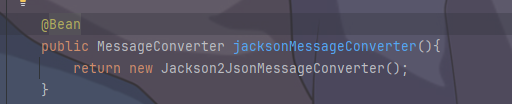
将Message打入bean